

FAQ
Frequently asked questions about running and developing on RSG Framework.
Answers to the most common questions from the RSG community. Can't find what you're looking for? Join the Discord and ask.
Community
We want this to be a space where everyone can contribute with what they know and learn, fostering a pleasant and respectful environment. The diversity of skills and perspectives is what makes our community so enriching — every contribution, no matter how big or small, is valuable.
If you're wondering how you can help (and also want to boost the server), here are some suggestions:
- Share your knowledge — if you have any experience, tricks or techniques that could benefit others, share them or help out in the support channels. A simple tip can make a difference to someone else.
- Collaborate on projects — join existing projects or start a new one, as long as it is public or free. Working together can be an educational and rewarding experience.
- Provide feedback constructively — when someone shares their code or project, give positive feedback and suggestions for improvement. This is essential for individual and collective growth.
- Maintain a respectful environment — we are all here to learn and improve, regardless of each member's experience level.
Remember that each of us has something unique to contribute, and together we can build something great. Let's move forward, learn and improve together on this exciting journey!
The RSG source lives at Rexshack-RedM. See the Misc Guides page for a step-by-step walkthrough of proposing a change and opening a pull request.
Server setup & administration
- From your server, open a web browser and go to your txAdmin web interface:
http://localhost:40120/ - Go to Players.
- Select your player and open the IDs section.
- Your Rockstar license is the identifier that starts with
license:.
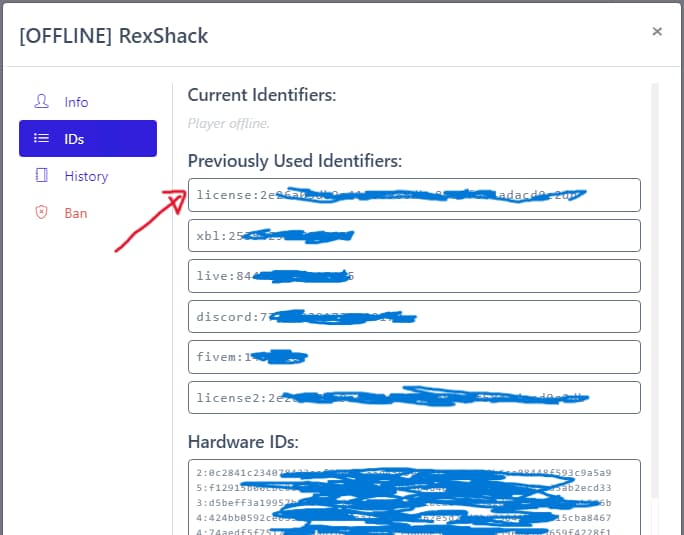
Open your server.cfg and add the player's Rockstar license, replacing the xxxx
placeholder:
## Permissions ##
add_principal identifier.license:xxxxxxxxxxxxxxxxxxxxxxxxxxxxxxxxxxxxxxxx group.admin # << rockstar licence
For some features like /noclip the person also needs to be an admin in txAdmin,
as rsg-adminmenu uses txAdmin events. See
Setting Permissions for the full guide.
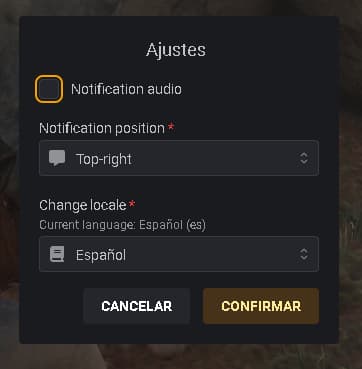
You no longer need to restart the server to change the language. Use the following command in-game and pick your locale from the menu:
/ox_lib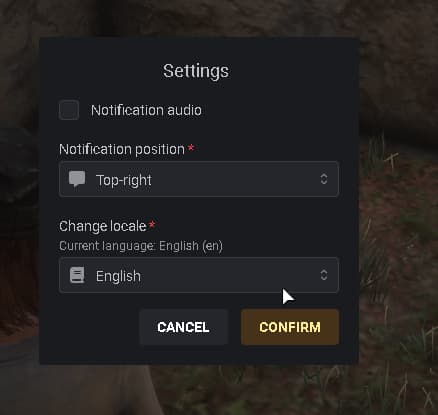
-
Open HeidiSQL.
-
Select your database.
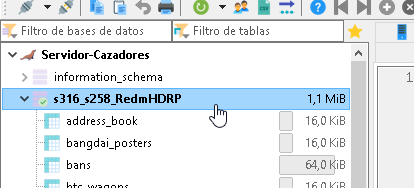
-
Right-click and choose New query, or press
Ctrl + T.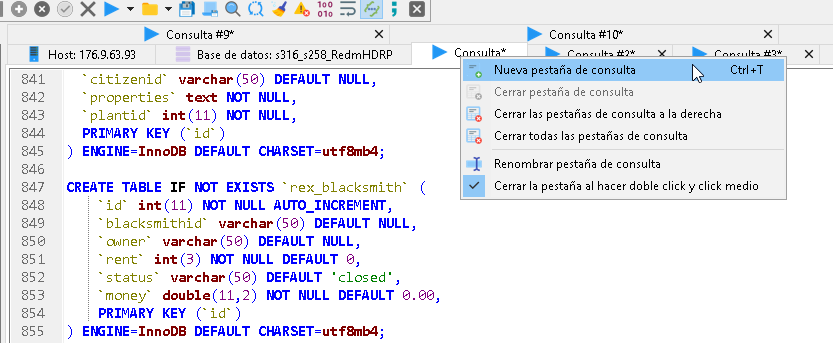
-
Paste your SQL table.
-
Press
F9to execute the SQL. -
Confirm the install.
Edit rsg-core/shared/main.lua
(source):
RSGShared.StarterItems = {
    bread = { amount = 5, item = 'bread' },
    water = { amount = 5, item = 'water' },
}
Troubleshooting
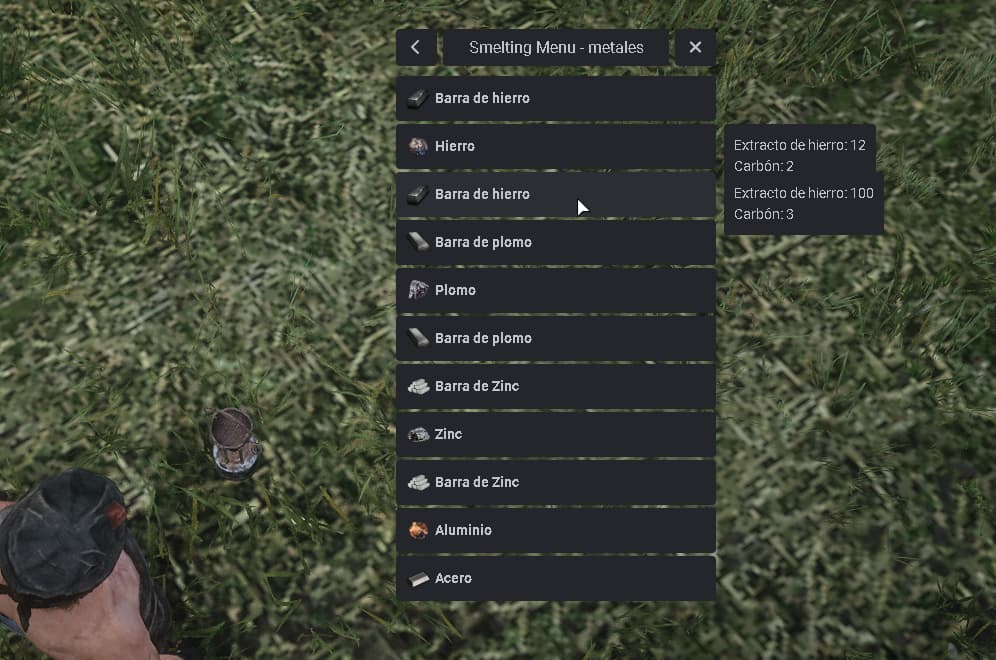
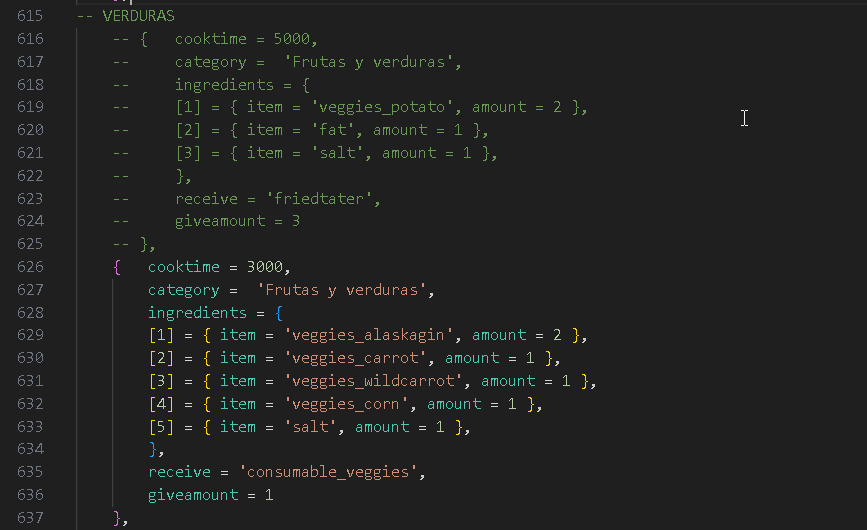
All craft menus (cooking, weapons, drinks…) are built with the same structure and use
the information for each item in rsg-core/shared/items.lua.
If you have modified or created your own recipes and get an error like this:
....attempt to index a nil value (field '?')^7it means a recipe is not correct — usually an ingredient is missing from items.lua,
or the ingredient name is spelled wrong. Before opening a ticket, confirm your recipes
are well constructed:

-
Add this print in the code, just before the loop that reads the recipes:
print(setheader, v.receive)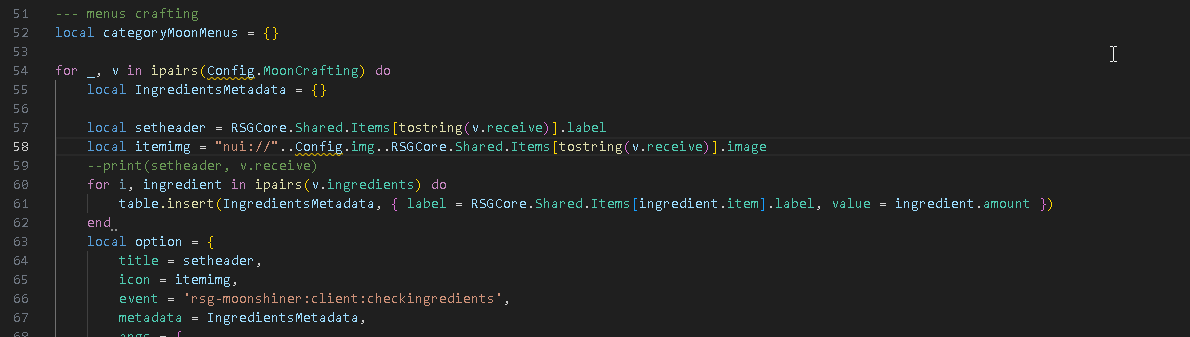
-
Restart the script and check your log or
F8console to see which recipe throws the error — the print stops at the recipe that fails.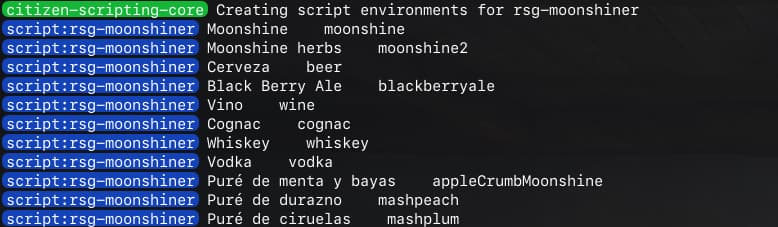
-
When an error is found, the print will not continue past the broken recipe. Comment out the recipe following the last successful print and restart the script again to keep searching for other problematic recipes.
-
Once you've found all the poorly constructed recipes, double-check that the ingredients for those recipes exist and are spelled correctly according to
rsg-core/shared/items.lua. -
Thank you for your patience — we hope this little guide helps!
Follow this short video guide:
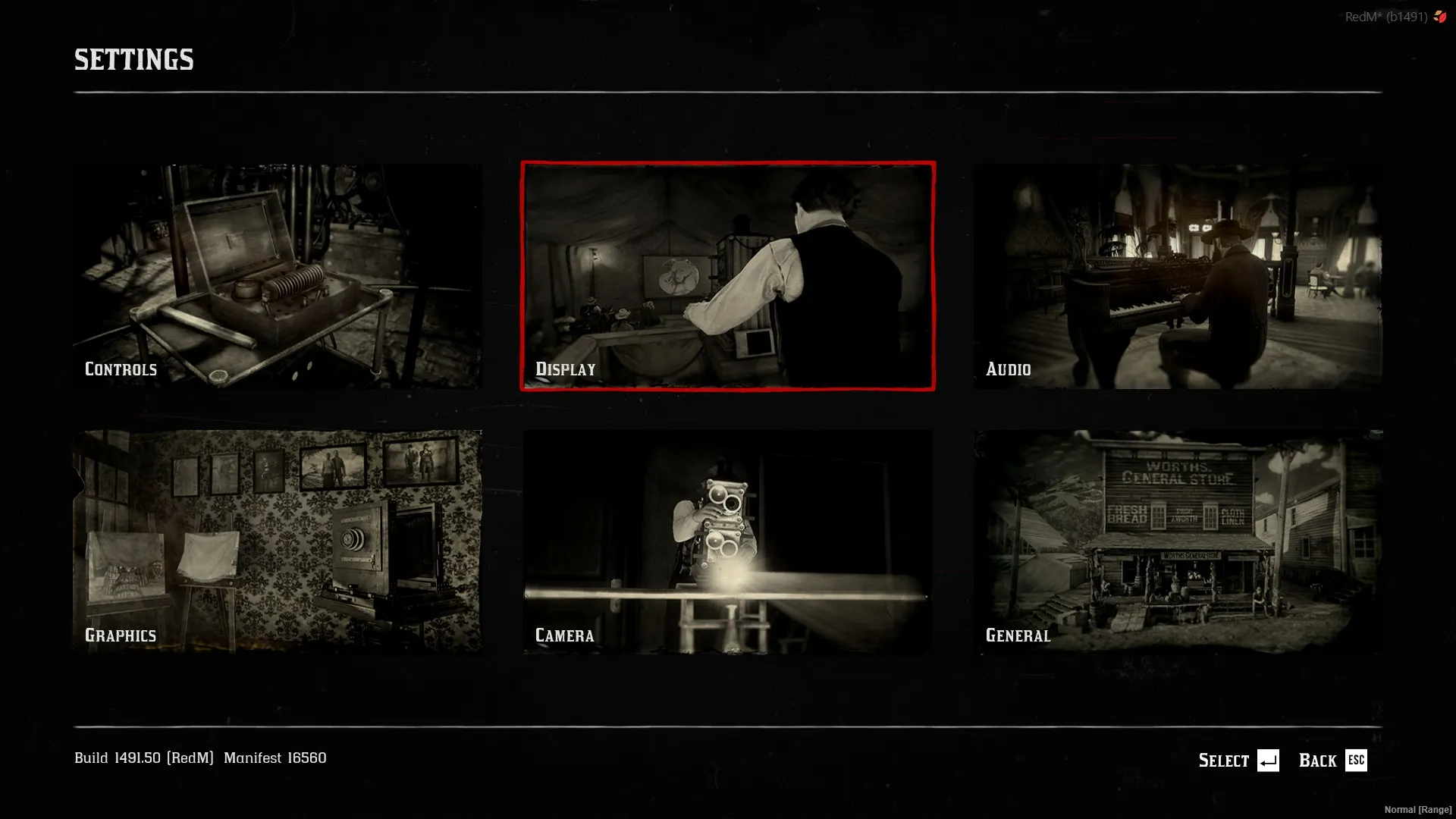
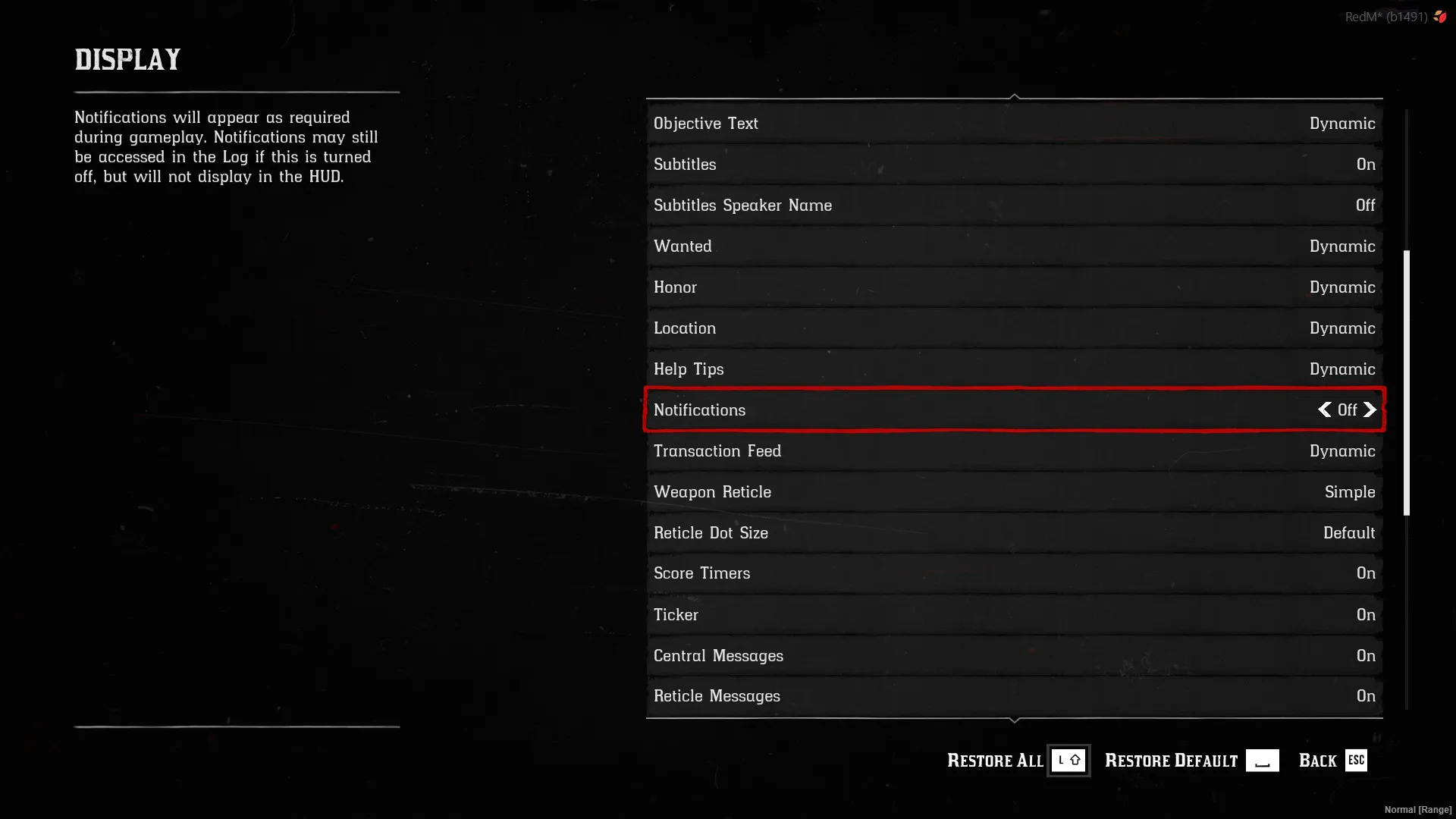
Game notifications are a game setting, not an RSG setting:
- While in game, press
ESC. - Select Display.
- Find Notifications and set it to
<Off>.
HUD & interface
Edit
rsg-hud/html/styles.css
and replace the #playerhud block:
/* ----------------------------------- */
/* vertical                            */
/* ----------------------------------- */
#playerhud {
    position: fixed;
    left: 1vh;
    bottom: 2.5vw;
    display: internal;
}

/* ----------------------------------- */
/* horizontal                          */
/* ----------------------------------- */
#playerhud {
    position: absolute;
    display: flex;
    left: 3vh;
    bottom: 0.2vw;
}