

txAdmin Installation
The fastest way to install RSG Framework using the official txAdmin recipe.
The fastest way to get a complete RSG server running is the official
txAdmin recipe. It automatically downloads
RSG Framework and all of its resources, sets up the database, and generates your
server.cfg for you.
Prerequisites
- A working RedM server managed by txAdmin.
- A MySQL / MariaDB database and its connection details.
Generate a CFX key
Every server needs a license key. Head to keymaster.fivem.net, click New server, and generate a key — you'll paste it into txAdmin during the recipe deployment.
Download the artifacts (Windows)
- Download the latest recommended build from the Windows Server Build page.
- Extract the
server.7zarchive into a folder such asC:\SERVER_NAME\Artifacts. - Run
FXServer.exe— this launches the txAdmin setup in your browser.
Deploy the recipe
Open txAdmin and start the new server setup wizard, then follow these steps.
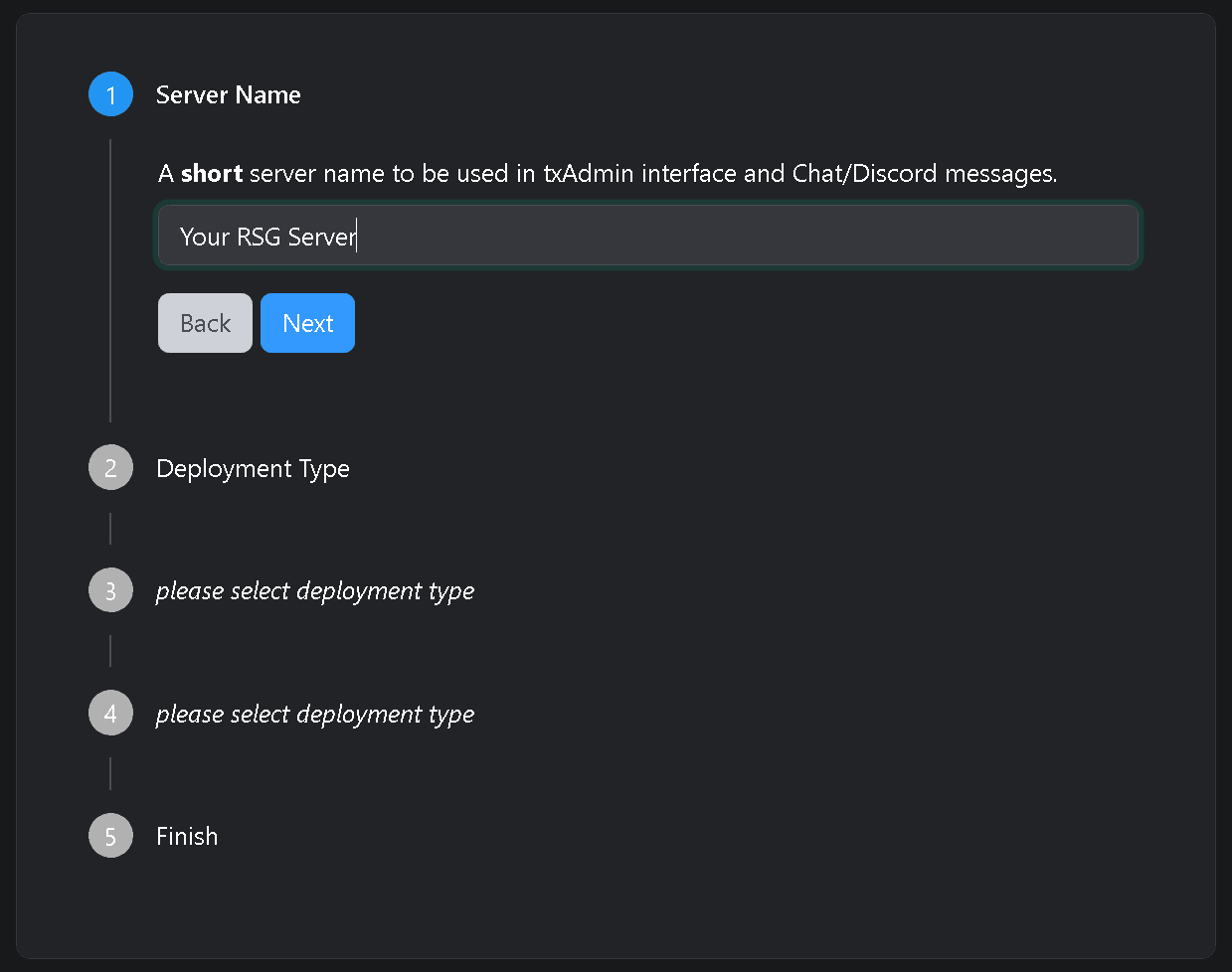
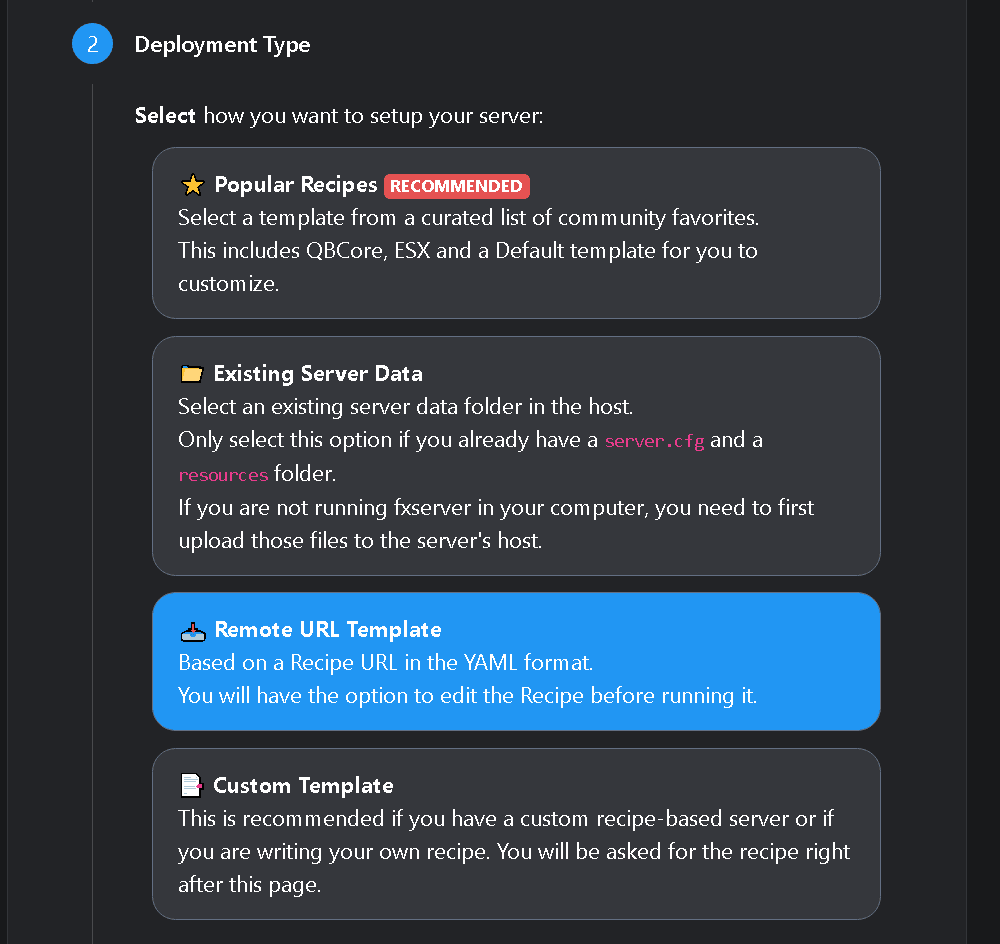
Choose the "Remote URL Template" deployment
Select the Remote URL Template option so txAdmin can build your server from a recipe.
Paste in the recipe URL
Paste the official RSG recipe URL and continue:
https://raw.githubusercontent.com/Rexshack-RedM/txAdminRecipe/refs/heads/main/rsgcore.yaml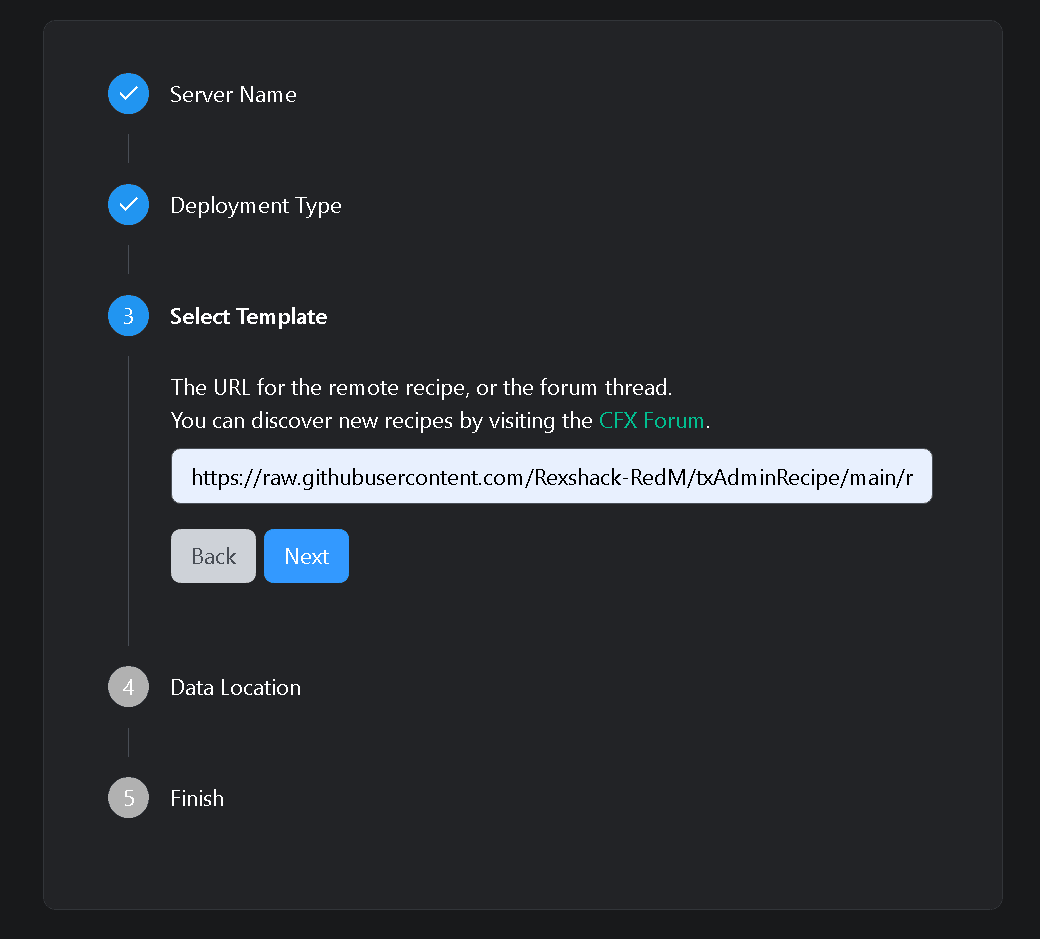
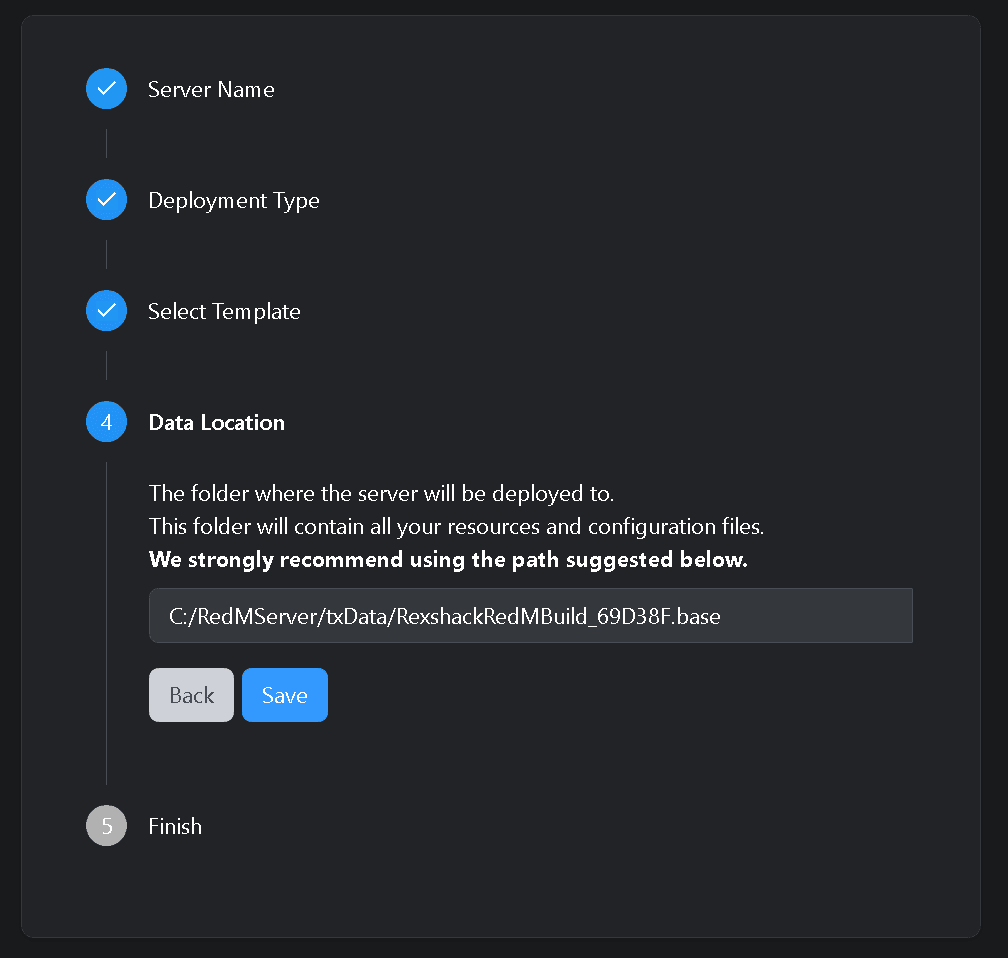
Follow the on-screen instructions
Enter your MySQL/MariaDB connection details and your CFX license key when prompted,
then run the recipe. Let it finish downloading and building — txAdmin generates a
ready-to-run server.cfg for you.
That's it
Once the recipe completes you can start your server straight from txAdmin. No manual file copying or SQL imports required.